Edit with AI
Describe only what should change. Saga sends the original frame with preservation instructions to an image-editing model.

Brush, box or lasso the exact area to change, restyle without losing structure, compare with a live wipe, apply free filters, move the camera, relight and finish in 4K.
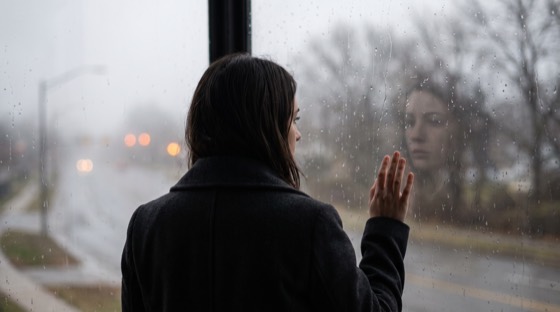 @source
Source & elements
@sourceDirection
Camera package
Every result is saved as a normal Saga generation, ready to edit again, send to the Board, animate, or download.
Describe only what should change. Saga sends the original frame with preservation instructions to an image-editing model.
Paint the exact target, describe the change, and explicitly protect everything outside the marked region.
Change the rendering language while protecting identity, layout, products, logos and readable text.
Compare two to four faithful, balanced or exploratory alternatives with the complete batch price shown first.
Apply curated looks or tune exposure, tone, temperature, tint and grain in-browser with no credits.
Switch between side-by-side and a draggable before/after wipe, then export as original, PNG, JPG or WebP.
Choose viewpoint, framing, focal length and perspective strength while locking identity, text and scene continuity.
Recover pores, fine lines and natural tonal variation with faithful, flexible or creative modes—without face replacement.
Direct shot size, lens, aperture, motivated lighting and color science as one structured camera package.
Place up to three lights, then upscale with precision, balanced or creative detail recovery.
@elementsName the source and supporting references. Tell the model exactly what each image controls.
Upload a JPEG, PNG or WebP, or reuse any finished image from your private Saga library.
Mask-retouch, restyle, create variations, filter locally, change camera, refine a portrait, direct cinema, relight or upscale.
See the exact dollar quote before starting. Finished images remain private to your account and appear on the Board.
GPT-5.4 Image 2 is live in Saga. See every live image model’s size range and live per-image pricing before opening the Lab.
Explore the image catalogStarting from a blank canvas? Generate a new image from text with live per-render pricing, then come back to Image Lab to refine it.
Try image generation